
UAE Corporate Tax Registration & Re-Submission Guide
Complete guide on UAE Corporate Tax Registration and Re-Submission through Tasheel Agents in 2026. Learn process, requirements, common errors, and FTA compliance rules.

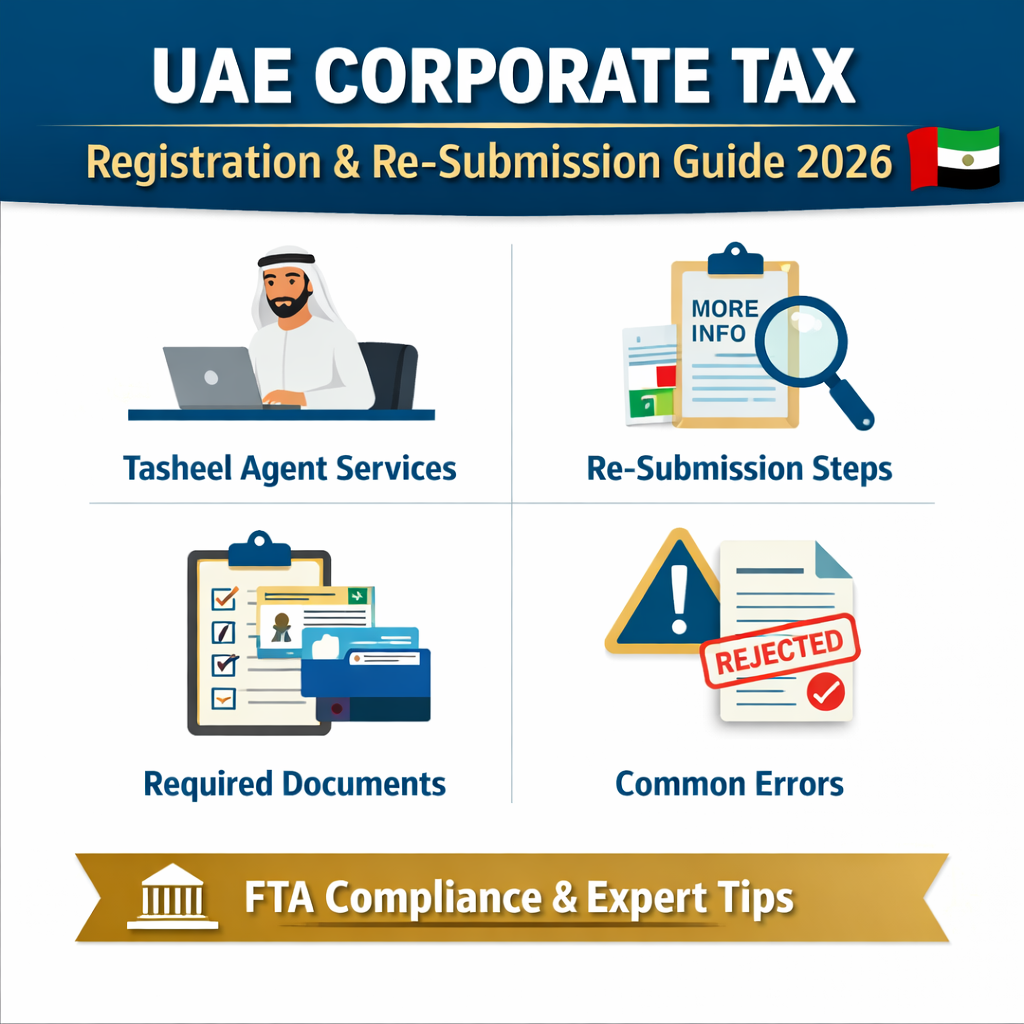
UAE Corporate Tax Registration & Re-Submission Guide (2026)
The UAE Corporate Tax (CT) Registration process is a mandatory compliance requirement for all taxable persons under the Federal Tax Authority (FTA). In 2026, the FTA has streamlined registration and re-submission procedures through Tasheel Agents, allowing authorized intermediaries to facilitate tax registration on behalf of businesses.
This guide provides a complete technical breakdown of the Corporate Tax registration and re-submission process, including workflows, document requirements, compliance risks, and expert advisory insights.
What is Corporate Tax Registration in UAE?
Corporate Tax Registration is the process through which a business obtains a Tax Registration Number (TRN) from the FTA. This registration is mandatory for:
-
All UAE mainland companies
-
Free zone entities
-
Foreign entities with UAE nexus
-
Businesses exceeding the taxable threshold
Failure to register may result in an administrative penalty of AED 10,000.
Tasheel Agent Role in Corporate Tax Registration
A Tasheel Agent is an authorized service provider that submits Corporate Tax registration applications through the FTA system (EmaraTax) on behalf of taxpayers.
Key Responsibilities:
-
Initiate CT registration application
-
Enter business and ownership details
-
Upload supporting documents
-
Handle re-submission requests from FTA
However, it is important to note that legal responsibility remains with the taxpayer.
Step-by-Step Corporate Tax Registration Process
1. Entity Identification
Selection or creation of the taxable person profile in the FTA system.
2. Application Initiation
The agent starts the Corporate Tax registration request via EmaraTax.
3. Data Entry Sections
-
Legal entity details
-
Trade license information
-
Business activities
-
Shareholders / owners
-
Authorized signatory details
4. Document Upload
Submission of mandatory supporting documents.
5. Final Submission
Application is submitted to FTA for review.
Re-Submission Process (Critical Compliance Area)
If the FTA identifies discrepancies, the application status changes to "More Information Required".
Re-Submission Steps:
-
Review FTA comments
-
Correct incorrect or incomplete data
-
Upload additional documents
-
Re-submit within the deadline
Failure to respond may result in application rejection.
Application Status Flow
| Status | Description |
|---|---|
| Draft | Application not submitted |
| Submitted | Under FTA review |
| Under Review | Being evaluated by FTA |
| More Information Required | Returned for correction |
| Approved | TRN issued |
| Rejected | Application declined |
Required Documents for CT Registration
-
Valid Trade License
-
Emirates ID and Passport copy
-
Memorandum of Association (MOA)
-
Ownership structure details
-
Power of Attorney (if applicable)
Ensure all documents are consistent and up to date to avoid delays.
Common Errors Leading to Rejection
-
Mismatch in ownership details
-
Incorrect business activity classification
-
Missing Ultimate Beneficial Owner (UBO) details
-
Incorrect financial year selection
-
Incomplete documentation
Expert Advisory Insights
From a professional tax advisory perspective:
-
Pre-validation is critical before submission
-
VAT and CT profiles must align
-
Re-submission delays can impact compliance timelines
-
Internal SOPs should be implemented
Conclusion
Corporate Tax registration in the UAE is not merely a procedural step—it is a critical compliance obligation. Businesses must ensure accuracy, proper documentation, and timely responses to FTA queries to avoid penalties and delays.
Using a Tasheel Agent can simplify the process, but ultimate responsibility remains with the taxpayer. Therefore, expert review and validation are highly recommended before submission.
What's Your Reaction?
 Like
0
Like
0
 Dislike
0
Dislike
0
 Love
0
Love
0
 Funny
0
Funny
0
 Wow
0
Wow
0
 Sad
0
Sad
0
 Angry
0
Angry
0












Comments (0)